| .github/workflows | ||
| assets | ||
| blog2epub | ||
| docs | ||
| snap/gui | ||
| tests | ||
| .gitignore | ||
| blog2epub_linux.spec | ||
| blog2epub_macos.spec | ||
| blog2epub_windows.spec | ||
| blog2epub_windows_installer.nsi | ||
| build_android_release.sh | ||
| build_linux.py | ||
| build_macos.py | ||
| build_windows.py | ||
| buildozer.spec | ||
| LICENSE | ||
| main.py | ||
| make_linux_appimage.sh | ||
| make_macos_dmg.sh | ||
| Makefile | ||
| pyproject.toml | ||
| README.md | ||
| requirements.txt | ||
| snapcraft.yaml | ||


blog2epub







Convert website (blog) to epub using command line or GUI.
My main goal in creating this app is to preserve the legacy of the blogosphere for future generations.
Supported blogs:
- *.blogspot.com
- *.wordpress.com
- multiple other blogs and even some webpages
Main features
- command line (CLI) and graphic user interface (GUI)
- script downloads all text contents of selected blog to epub file,
- if it's possible, it includes post comments,
- images are downsized to given resolution (
600*800,640*960or1236*1648) - images are also by default converted to grayscale,
- one post = one epub chapter,
- chapters are sorted by date ascending,
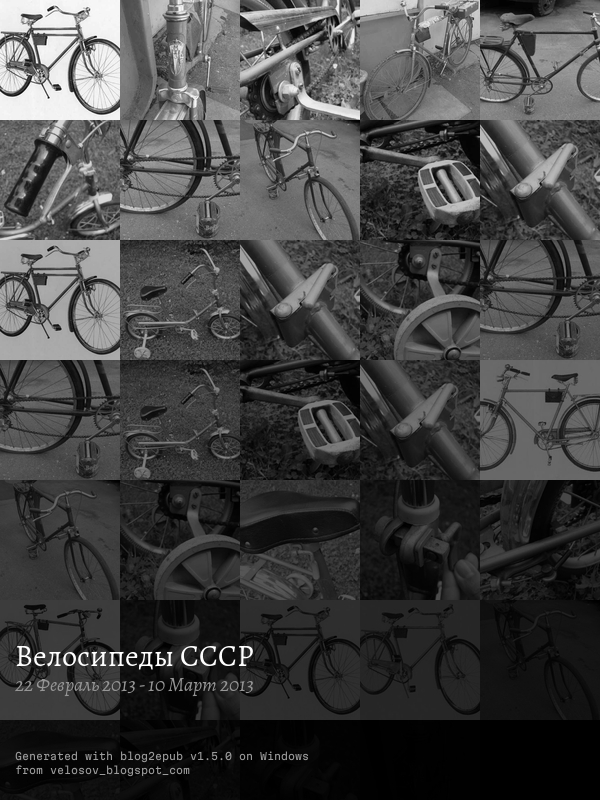
- cover is generated automatically from downloaded images.
Example covers

|

|

|

|
|

|
Installation
Checkout for latest available builds.
Running from sources
Easiest way
pip install git+https://github.com/bohdanbobrowski/blog2epub.git
Developer environment
git clone git@github.com:bohdanbobrowski/blog2epub.git
cd blog2epub
python -m venv venv
Windows:
venv\Scripts\activate
pip install -e .[dev]
macOS/Linux:
source ./venv/bin/activate
pip install -e .[dev]
Building own executable
Build environment should contain only what is necessary to prepare build:
pip install .
pip instal pyinstaller
Android
buildozer android debug
Windows
python build_windows.py
"C:\Program Files (x86)\NSIS\makensis" blog2epub_windows_installer.nsi
macOS
python build_macos.py
./make_macos_dmg.sh
Linux
So this is always a struggle (we all kno why), but eventually AppImage at least is so-so finished. Most important, thing: for building Linux images you need to have dedicated environment with minimal amount installed packages:
python -m venv ./venv_build
source ./venv_build/bin/activate
pip install .
pip install pyinstaller
AppImage
First, prepare "binary":
python build_linux.py
...and finally:
./make_linux_appimage.sh
To build signed appimage use this command:
./make_linux_appimage.sh --sign
Snap
This is promising, despite taking 150 MB... but still i have issues with plyer modules called fileselect and notification.
snapcraft pack
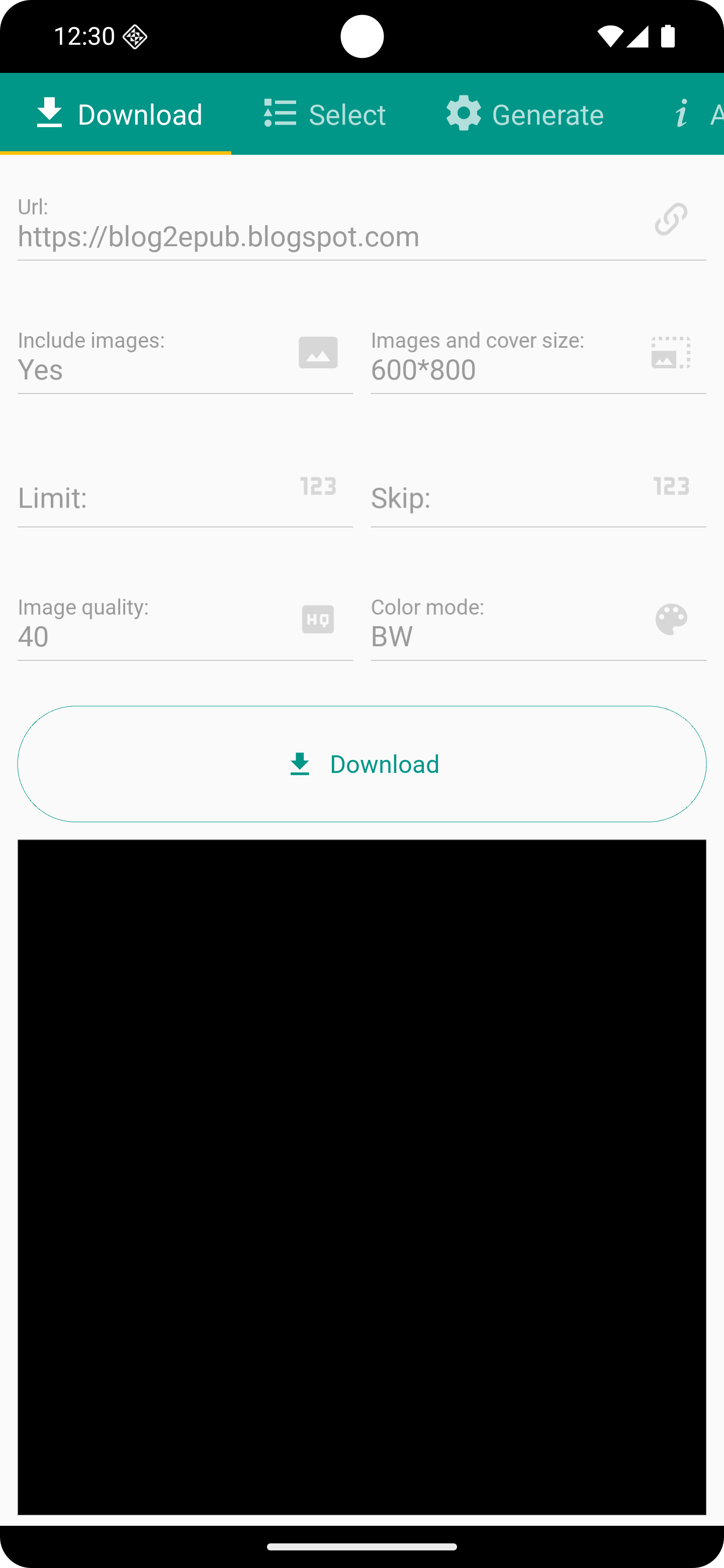
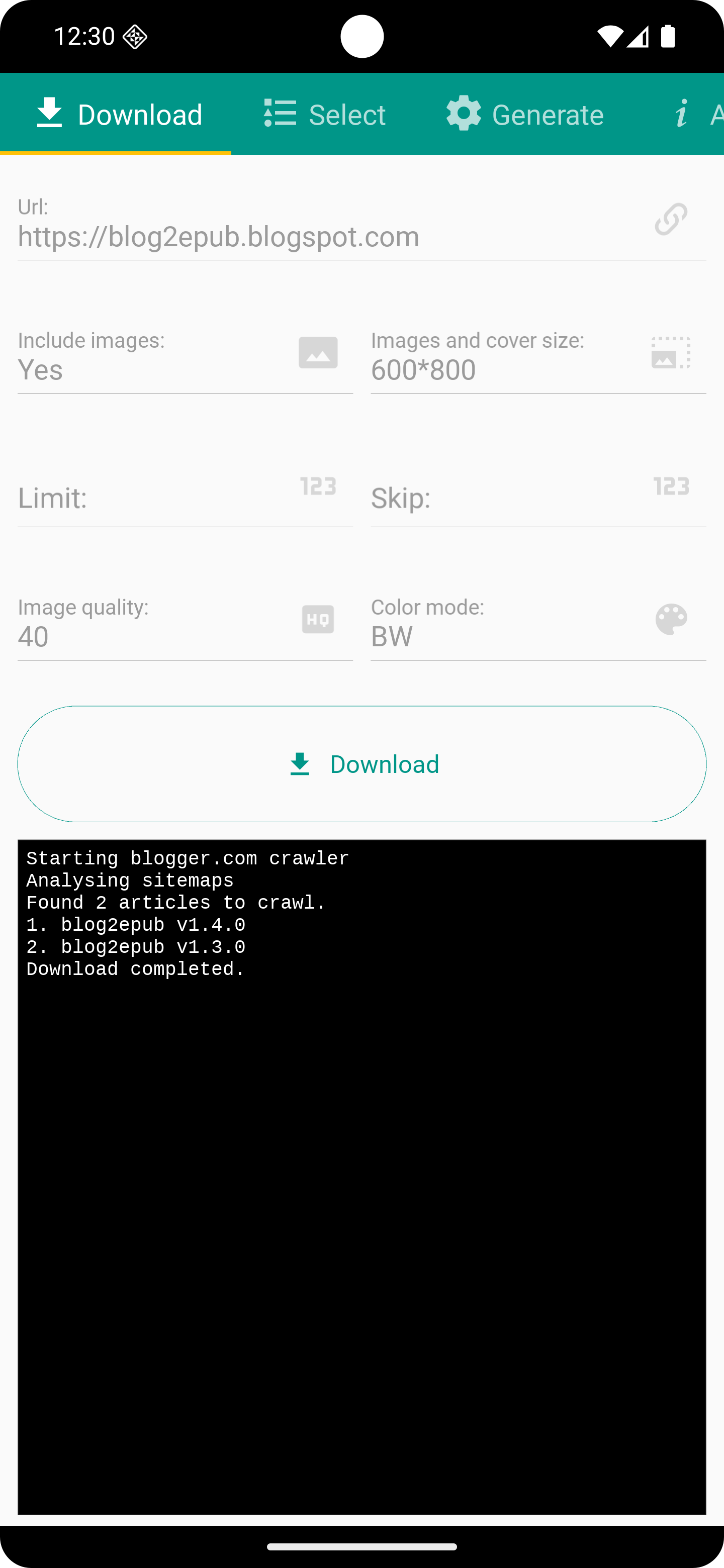
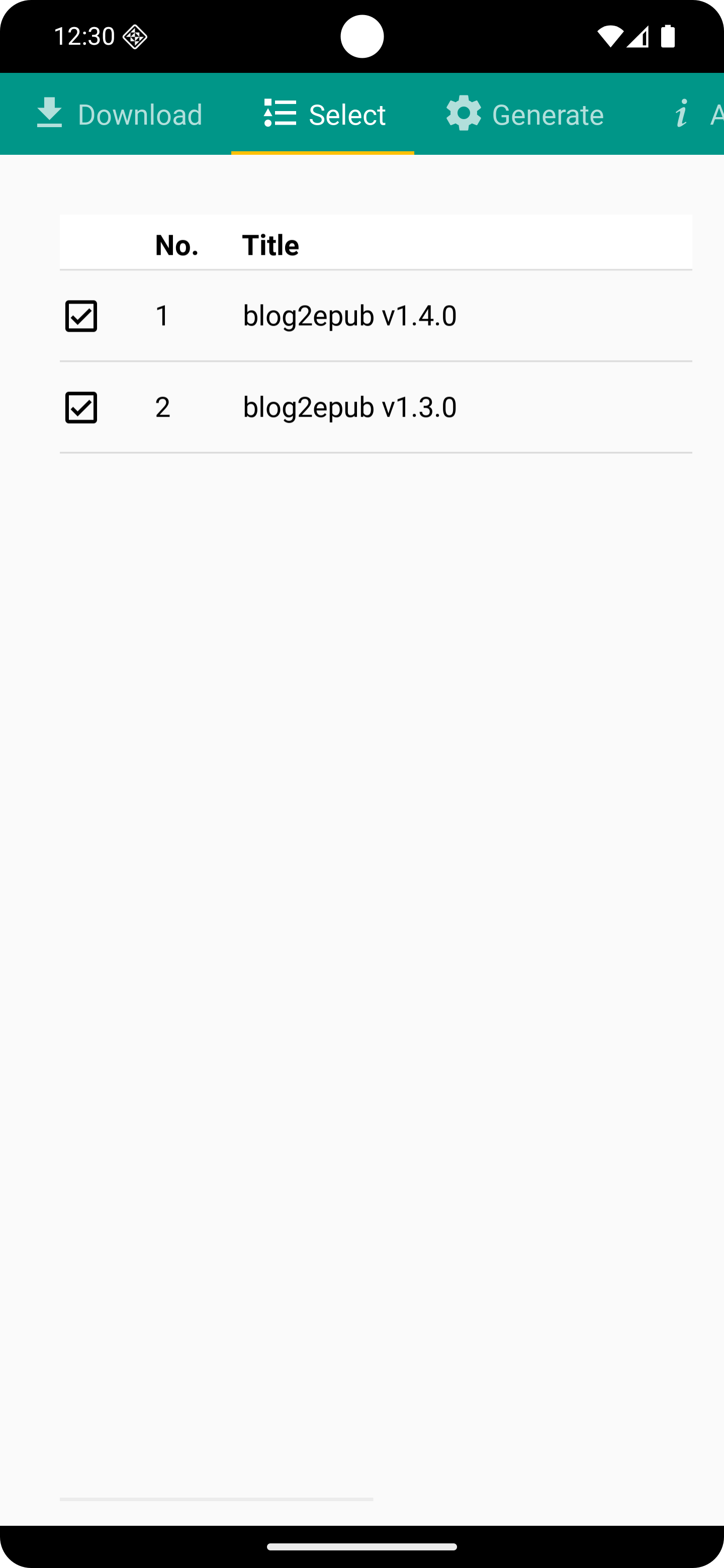
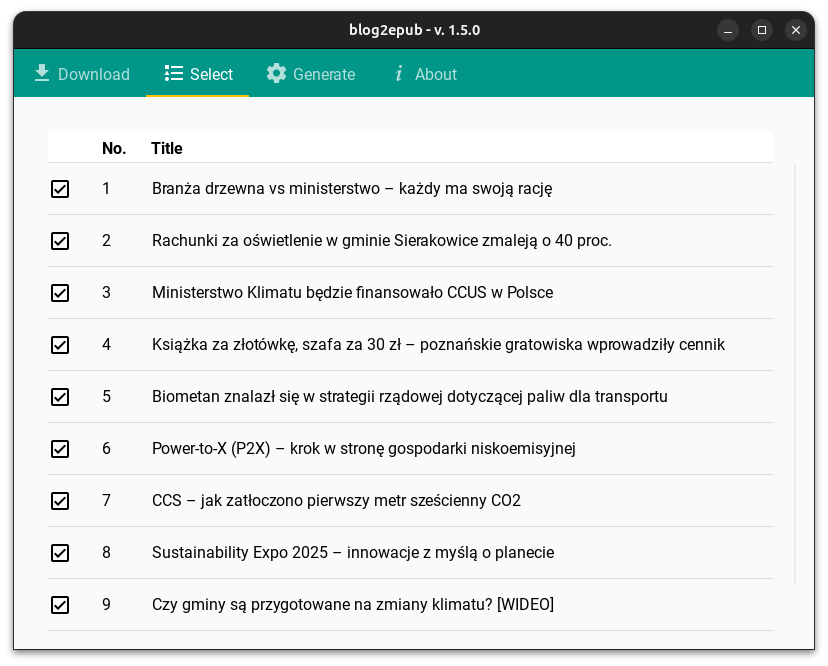
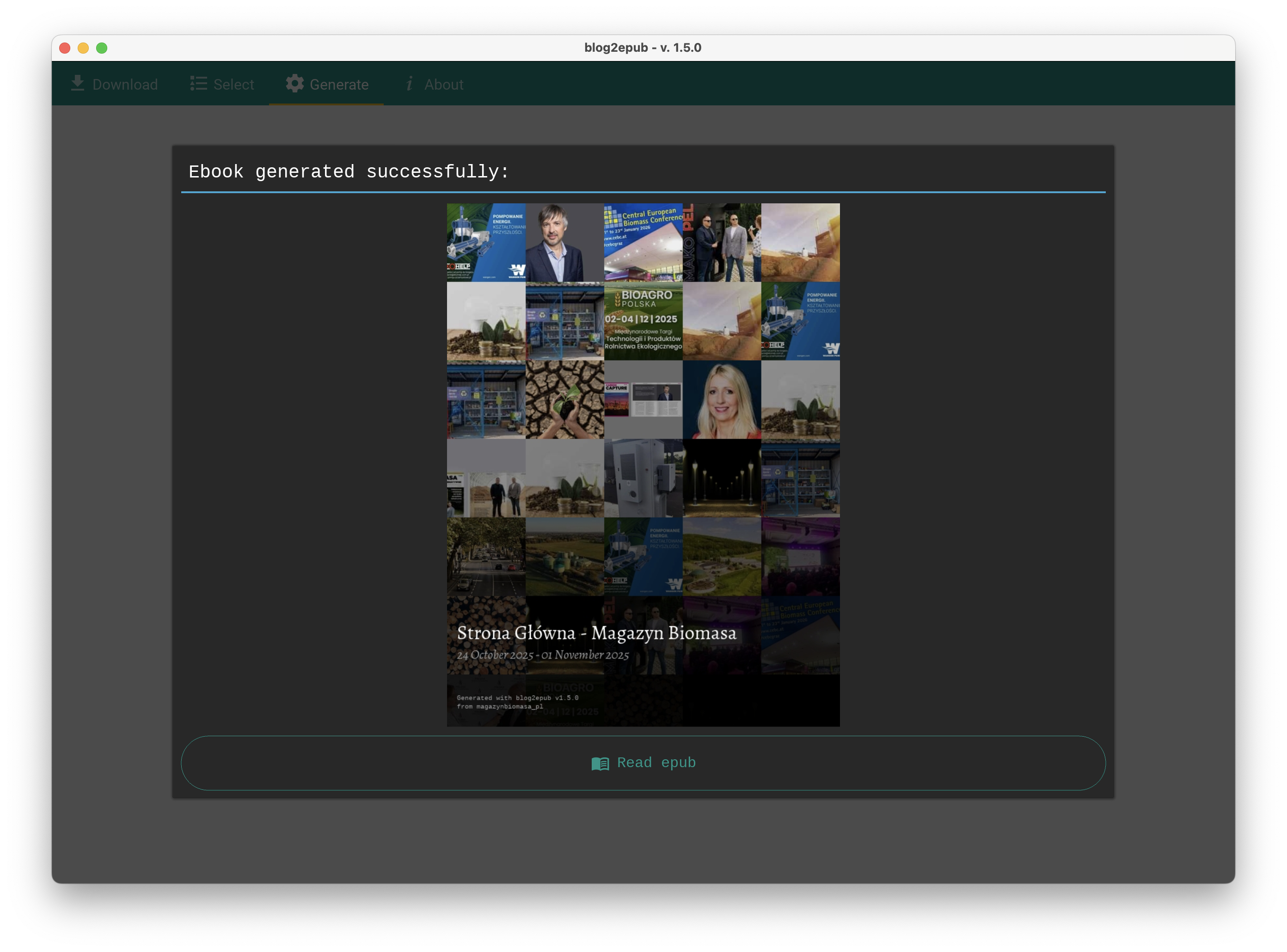
Screenshots of GUI
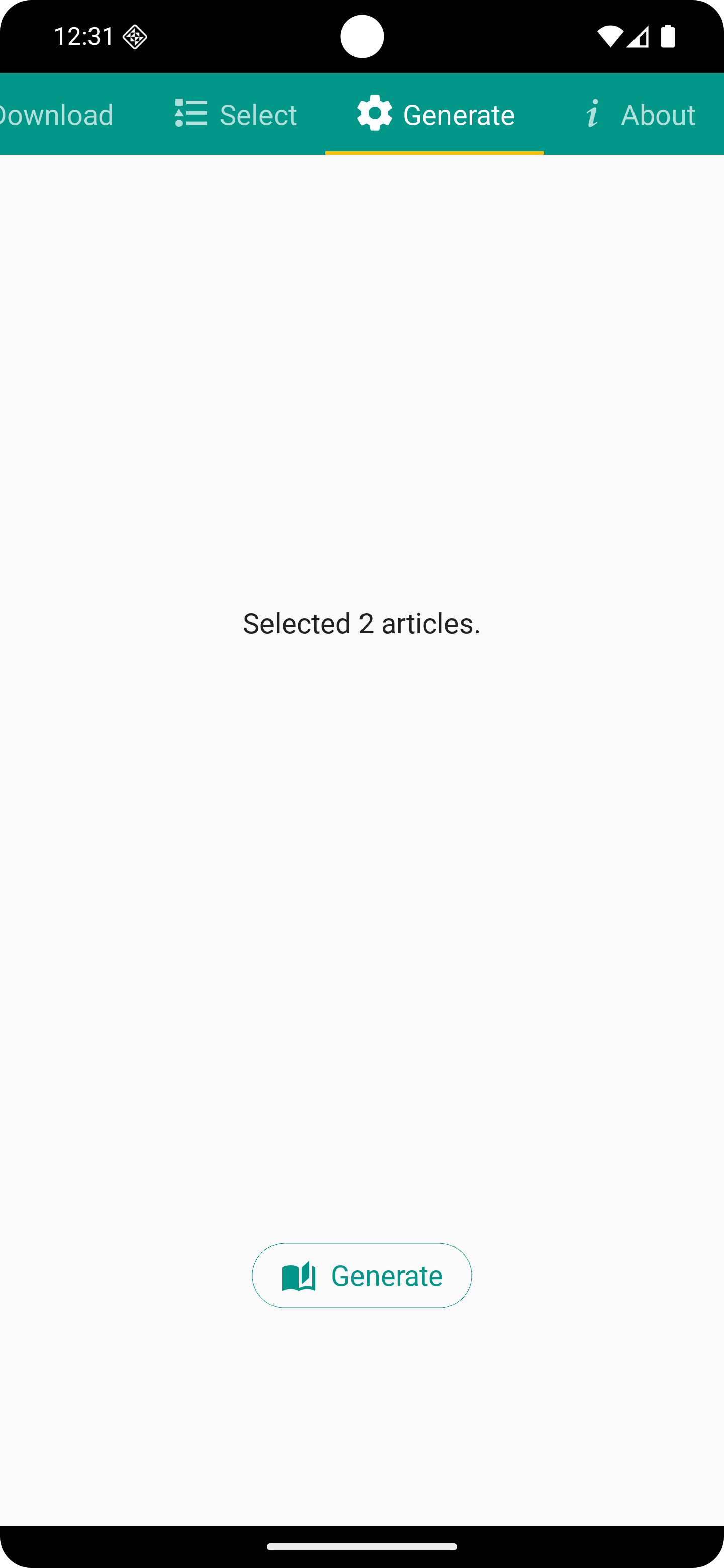
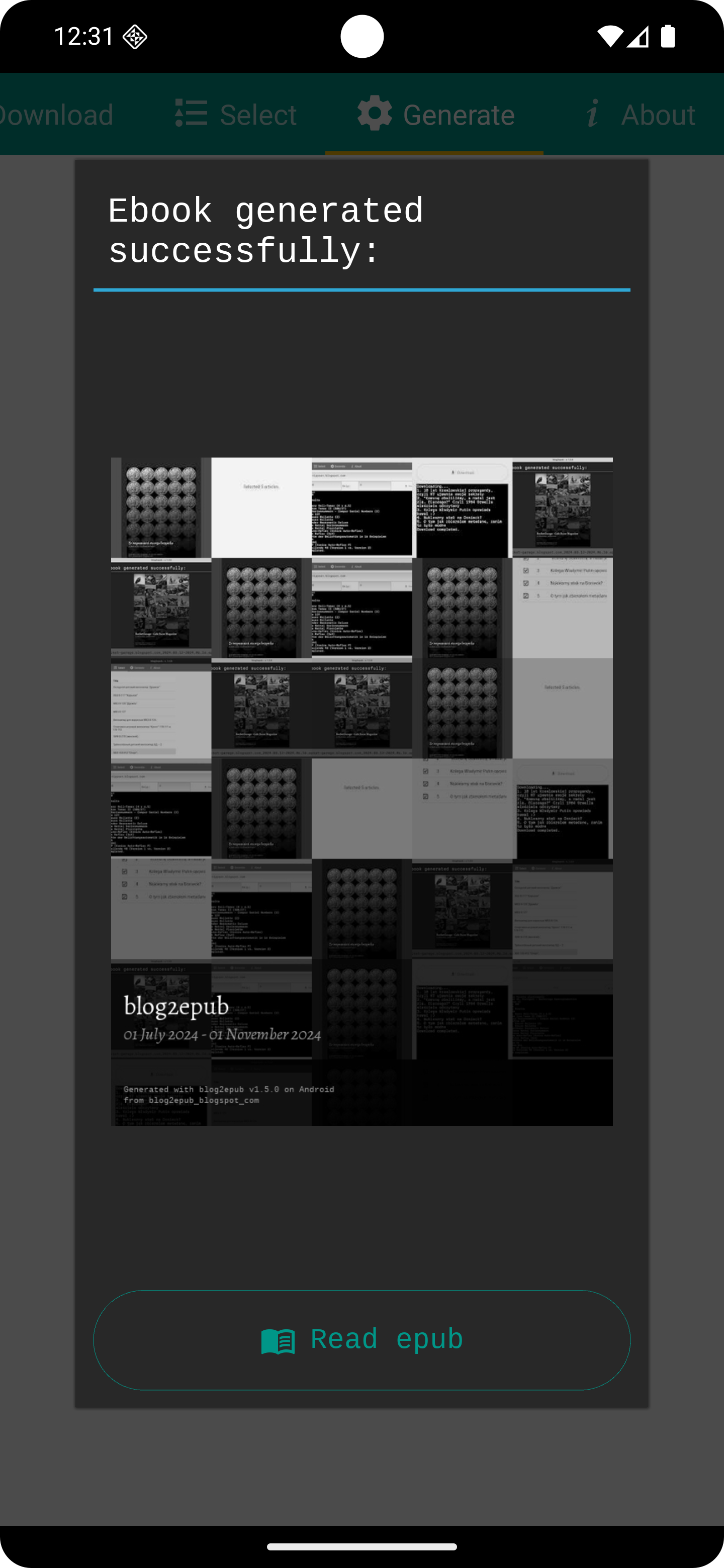
Android (Google Pixel 6a)
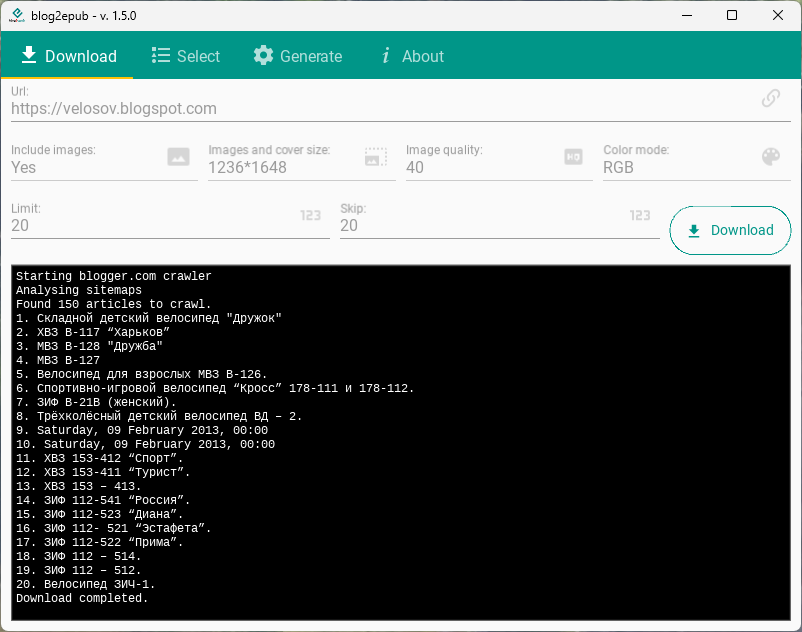
Windows (11)
Linux (Ubuntu 24.04)
macOS (Sequoia 15.6)
CLI
blog2epub --help
usage: Blog2epub Cli interface [-h] [-l LIMIT] [-s SKIP] [-q QUALITY] [-o OUTPUT] [-d] url

Convert blog (blogspot.com, wordpress.com or another based on Wordpress) to epub using CLI or GUI.

positional arguments:
  url                   url of blog to download

options:
  -h, --help            show this help message and exit
  -l LIMIT, --limit LIMIT
                        articles limit
  -s SKIP, --skip SKIP  number of skipped articles
  -q QUALITY, --quality QUALITY
                        images quality (0-100)
  -o OUTPUT, --output OUTPUT
                        output epub file name
  -d, --debug           turn on debug
Example:
blog2epub starybezpiek.blogspot.com -l=2 -o=example.epub
Starting blogger.com crawler
Found 54 articles to crawl.
Downloading.
1. 10 lat kremlowskiej propagandy, czyli RT ujawnia swoje sekrety
Downloading.
2. "Komunę obaliliśmy, a nadal jest źle. Dlaczego?" Czyli 1984 Orwella właściwie odczytany
Locale set as en_US.UTF-8
Generating cover (800px*600px) from 1 images.
Cover generated: .\starybezpiek.blogspot.com\example.epub.jpg
Epub created: .\example.epub
Examples
blog2epub starybezpiek.blogspot.com
blog2epub velosov.blogspot.com -l=10
blog2epub poznanskiehistorie.blogspot.com -q=100
blog2epub classicameras.blogspot.com --limit=10 --no-images
Running tests
pytest ./tests
pytest --cov=blog2epub ./tests
pytest --cov=blog2epub --cov-report=html ./tests
Current version
v1.5.0
- integration testing
- increase unit test coverage
- use sitemaps.xml for scraping
- crawlers refactor
- use builtin dataclasses instead of pydantic
- more common methods in crawler class
- expand crawler abstract
- cli interface refactor
- greek alphabet support
- image download and attachment bug solved (ex. modernistyczny-poznan.blogspot.com)
- color/bw images and covers
- custom image/cover sizes
- improved resistance to http errors
- dedicated crawler class for zeissikonveb.de
- (on GUI) skip value is enlarged on limit value (if such is set)
- download progress is much more verbose, also on GUI it can be cancelled everytime
- remove poetry as it's overcomplicated for the case,
- results of cancelled downloads might be converted to epub
- Android version
- Windows installer (published on Microsoft Store)
- Linux packages: Appimage and Snap (still experimental)
- GitHub actions builds for macOS, Windows and Linux
Project backlog
And finally, a list known bugs and future plans for some new functions and enhancements: Backlog.md
Road map:
- 1.0 - somewhat working
- 2.0 - fully working project, 90% unit tested and available builds for Android/Windows/Linux/MacOS

