mirror of
https://gh.wpcy.net/https://github.com/lubusIN/blablablocks-tabs-block.git
synced 2026-04-24 04:19:30 +08:00
A WordPress plugin built specifically for the Block Editor, allowing you to create responsive Tabs effortlessly.
https://wordpress.org/plugins/blablablocks-tabs-block/
|
|
||
|---|---|---|
| .github | ||
| _playground | ||
| assets/templates/showcase | ||
| src | ||
| .editorconfig | ||
| .gitignore | ||
| blablablocks-tabs-block.php | ||
| helpers.php | ||
| LICENSE | ||
| package-lock.json | ||
| package.json | ||
| README.md | ||
| readme.txt | ||


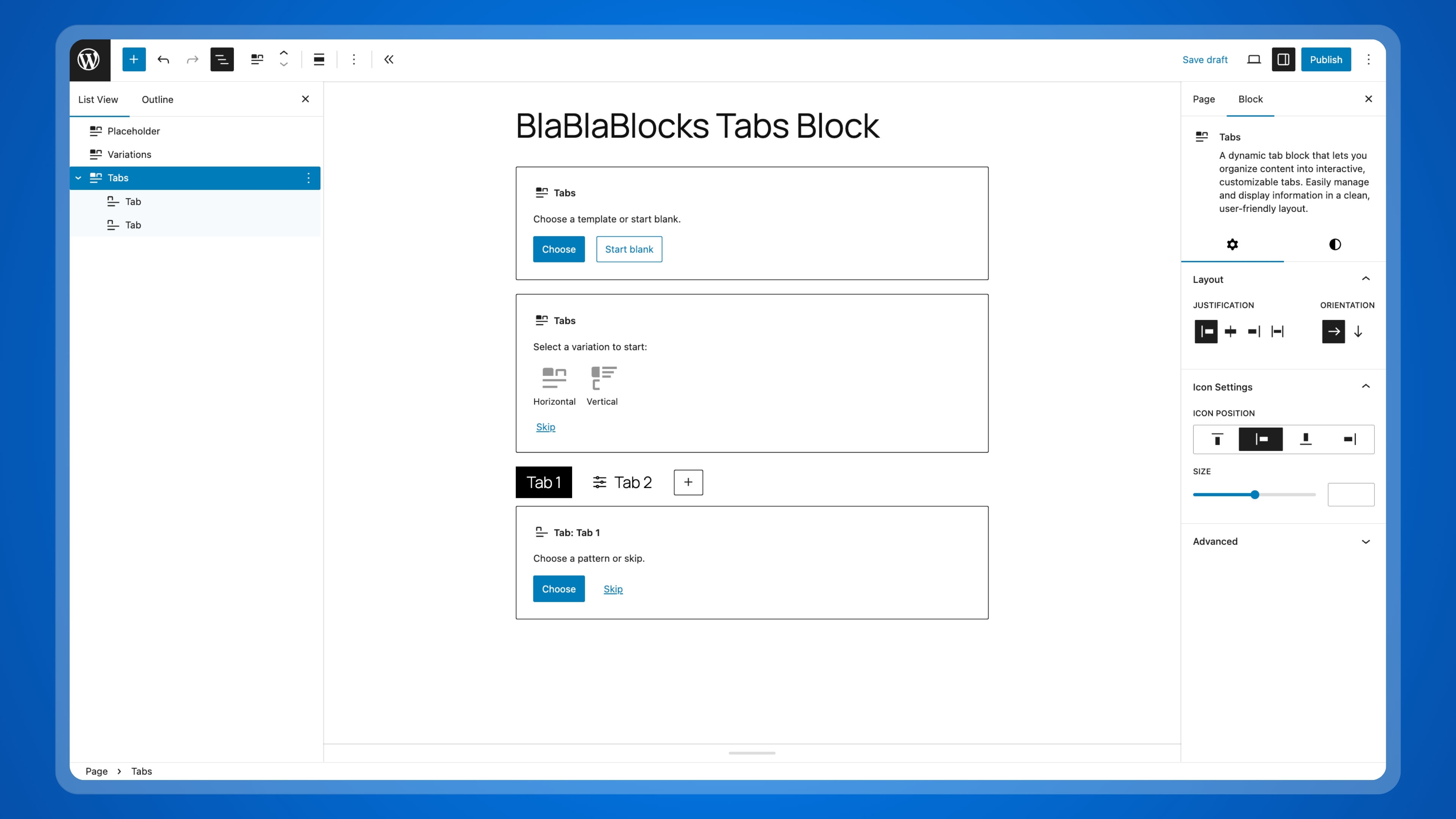



Overview
BlaBlaBlocks Tabs Block is a WordPress plugin built specifically for the Block Editor, allowing you to create responsive tabs effortlessly.
Requirements
- WordPress 6.6+
- PHP 7.4+
Installation
Automatic
- Go to Plugins → Add New in your WordPress dashboard.
- Search for Blablablocks Tabs Block.
- Click Install Now and then Activate.
Manual
- Download latest release from GitHub
- Visit
Plugins → Add New - Upload
blablablocks-tabs-block.zipfile - Activate
BlaBlaBlocks Tabs Blockfrom the plugins page
Development
1. Clone the Repository
Clone the repository to your local system:
git clone git@github.com:lubusIN/blablablocks-tabs-block.git
2. Go to plugin folder
cd blablablocks-tabs-block
3. Install Dependencies
npm install
4. Build Plugin
Build or start the development environment:
npm run build       # Compile the source files
# OR
npm run start       # Watch for changes and auto-compile
5. Launch Playground
npm run serve
Note
Refer to
package.jsonfor additional available npm commands.
Meet Your Artisans
LUBUS is a web design agency based in Mumbai.

License
BlaBlaBlocks Tabs Block is open-sourced plugin licensed under the MIT license

